Hidden Spots - CastlesVerified
About Game
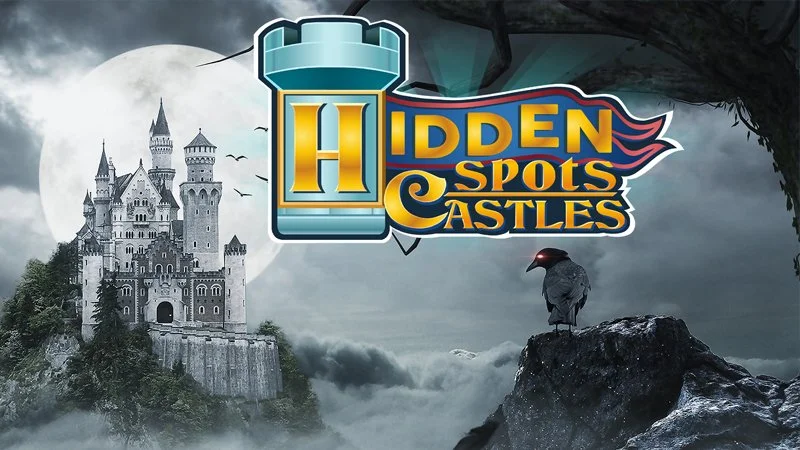
Hidden Spots - Castles is a masterclass in atmospheric, visually dense puzzle design, stripping the hidden object genre down to its absolute, most captivating and subtly demanding core, all wrapped in a breathtaking virtual tour of medieval European architecture. Forget convoluted detective storylines or searching for random anachronistic items; this title is a pure, unadulterated shot of visual exploration focused entirely on acute observation within stunning macro-photography of ancient fortresses, sprawling courtyards, stone towers, and ornate throne rooms. Your objective is elegantly simple: you are not looking for specific objects, but rather specific "spots" or tiny cropped segments of the main image displayed at the bottom of the screen. You must meticulously scan the massive, highly textured photograph to find the exact location of that tiny architectural detail. The atmosphere is deeply relaxing and incredibly focused. Visually, the game utilizes hyper-realistic, high-definition photography, meaning every crack in the mortar is a potential clue.
How to Play
- Your primary objective is to locate specific, tiny cropped segments (spots) hidden within the main high-definition photograph of the castles.
- The spots you need to find are displayed in a queue at the bottom or side of the screen.
- Use your
Mouseto carefully scan the high-definition image. - When you find the exact location in the main image that matches the small cropped spot, click directly on it.
- Successfully locating a spot will remove it from your list and award you points.
- Be extremely precise! Randomly spam-clicking around the screen will often result in a heavy time penalty or score deduction.
Tips and Tricks
- Look for Unique Textures: Do not try to memorize the entire cropped spot. Castles are dominated by stone and wood grain. Identify one highly unique reflection, a specific moss pattern, or a color gradient within the spot. Scan the main image strictly for that one specific intersection of colors.
- Divide the Screen: Do not try to scan the entire massive image at once. Mentally divide the screen into four quadrants and meticulously search one corner (e.g., the battlements on the top right) before moving to the next.
- Check the Edges: The developers love placing the cropped spots on the absolute extreme borders of the main image, or blurring them slightly by hiding them in the depth-of-field background of the macro photography.
- Step Back: If you are completely stuck on a spot, physically lean back from your monitor or blur your eyes slightly. Sometimes looking at the macro-composition of the image makes the micro-detail suddenly pop into context.
- Save Your Hints: If the game provides a hint button, absolutely refuse to use it until the timer is in the red zone.